Setup, start to finish Method, with Google's stated waits
- 1Check whether a profile already exists owner has 3 days to replyClaim it, or request access from whoever manages it.
- 2Create the profile at business.google.com/createReal name, primary category, address or service area, phone, website.
- 3Verify review: up to 5 business daysVideo, phone or text, email, live video call or postcard; Google picks the options.
- 4Postcard, if that is the method most within 14 days
- 5Fill in every field and ask for first reviewsHours, services, description, photos, booking link.
- 6Wait to show up for searches up to a monthYour own name first, "plumber near me" later.
What a Google Business Profile is used for
Nizo Luxury: what a listing brings Search Console, June 2026
Google search clicks from searches answered by its Google listing, for one LA car rental.
When someone searches for your name, the profile is the panel with your photos, rating, hours and buttons to call, get directions or visit your site.
The details
When someone searches for what you do ("emergency plumber Van Nuys"), the profile is what can appear in the map pack above the regular results. People call, book and get directions from it without ever opening your website, so for many local businesses it brings more customers than the site. How it works next to your website is in how Google Maps and Business Profiles work.
Is your business eligible?
Google's eligibility rules say: "To qualify for a Business Profile, a business must make in-person contact with customers during its stated hours." That covers a storefront customers visit and a business that goes to customers.
The full answergoogle.com
Not eligible, per the same page: online-only businesses, rental or for-sale properties, companies that only pass customers on to others, and businesses whose address is a P.O. box or a mailbox.
Do you need an LLC? No. Neither Google's eligibility page nor its guidelines for representing your business require a registered company. What they require is a real business at a real place with a real name: the name must be your "real-world name, as used consistently on your storefront, website, stationery, and as known to customers," without taglines, service words or locations added, and without "irrelevant legal terms (e.g. LLC, LTD, INC)". If you trade under a name other than your own, register it as a DBA, so the name on the profile matches your paperwork.
Step 1: check whether a profile already exists
Many businesses already have a profile they never made, built from public information or from a customer adding the place. Before creating anything:
- Search your business name (and your old names and phone numbers) on Google and on Google Maps.
- If a profile shows "Claim this business", it is unclaimed. Per Google's guide, select it, then "Manage now", and follow the verification steps.
- If Google says someone else manages it (a former employee, a previous agency, a past owner), request access. Per Google's ownership page, the current owner is emailed and "has 3 days to respond"; if they do not, "you may have the option to claim the profile." The full process is in who owns your Google Business Profile.
- If nothing exists, create a new profile.
The detailsgoogle.com
Do not create a second profile next to an existing one. Google warns that "your Google account may be suspended if we find multiple profiles for the same business in the same metropolitan area."
Step 2: create the profile
- Use a Google Account the business owns, not a personal one an employee may take with them. Per Google's sign-up guide, sign in, or create an account, then go to business.google.com/create.
- Enter the business name, exactly as on your sign and paperwork.
- Pick the primary category, the one that completes "this business is a…". Google says "the categories you select affect your local ranking on Google"; how to choose the primary one and the additional categories is in how to rank on Google Maps in Los Angeles.
- Add your address if customers come to you, or choose a service area if you go to them (next section).
- Add the phone number and website customers should use.
- Continue to verification.
How to set up a Google Business Profile for a service-area business
How close the Maps leaders stand to the searcher
| Searched from | Median distance, miles | Median distance, km |
|---|---|---|
| Santa Monica | 2.5 | 4.1 |
| Hollywood | 2.2 | 3.6 |
| Northridge | 2.2 | 3.6 |
| Culver City | 2.1 | 3.4 |
| Inglewood | 2.1 | 3.3 |
| Torrance | 1.7 | 2.8 |
| Sherman Oaks | 1.6 | 2.6 |
| Downtown LA (City Hall) | 1.1 | 1.8 |
| Pasadena | 0.9 | 1.4 |
A service-area business (a cleaner, a mobile detailer, a plumber, a mobile esthetician) serves customers at their address. Google's guidelines say: "If you're a service-area business, you should hide your business address from customers." Show the address only if customers really come to you there during your hours.
Set the service area
as cities, neighborhoods or ZIP codes. Per Google's service-area page, "you can have up to 20 service areas," and the area "shouldn't be more than about 2 hours of driving time" from your base. A radius is not an option.
You still need a real address for verification
, even though customers will not see it. A rented mailbox or a virtual office does not count: Google's guidelines say a service-area business "can't list a 'virtual' office unless that office is staffed during business hours."
A home-based business
that does not receive customers at home verifies with the home address and keeps it hidden.
The detailsgoogle.com
Listing a service area does not make you rank everywhere in it. Distance to the searcher is still one of Google's three local ranking factors, so a business based in Burbank will not show in the Long Beach map pack because Long Beach is on the list. Reaching other parts of LA is a job for pages on your website; multiple locations on Google Maps explains how.
Step 3: verify the business
Until you verify, the profile does not show your information: "Only verified businesses can show their business info on Maps and Search" (Google). Google picks the methods available to you, and per its verification guide they include:
- Video recording, which Google recommends when it is offered.
- Phone call or text with a code to the business number.
- Email to an address shown on the verification screen.
- Live video call with Google, "only available within the business hours of your location."
- Postcard with a code. "Most codes arrive within 14 days."
The detailsgoogle.com
For a video, Google's video verification guide asks for "an unedited, unique, and complete recording with no breaks," at least 30 seconds, recorded live from a phone through the profile. A storefront shows the street, the sign and something only staff can open (a register, a storage room). A service-area business shows its tools or equipment, for example "unlocking a van that has your business branding." Do not film ID or bank numbers, or other people's faces.
"Verification reviews take up to 5 business days," Google says. While you wait, do not edit the name, address or category; Google's guide warns that a pending postcard code stops working if you do.
Step 4: fill in the rest and add help
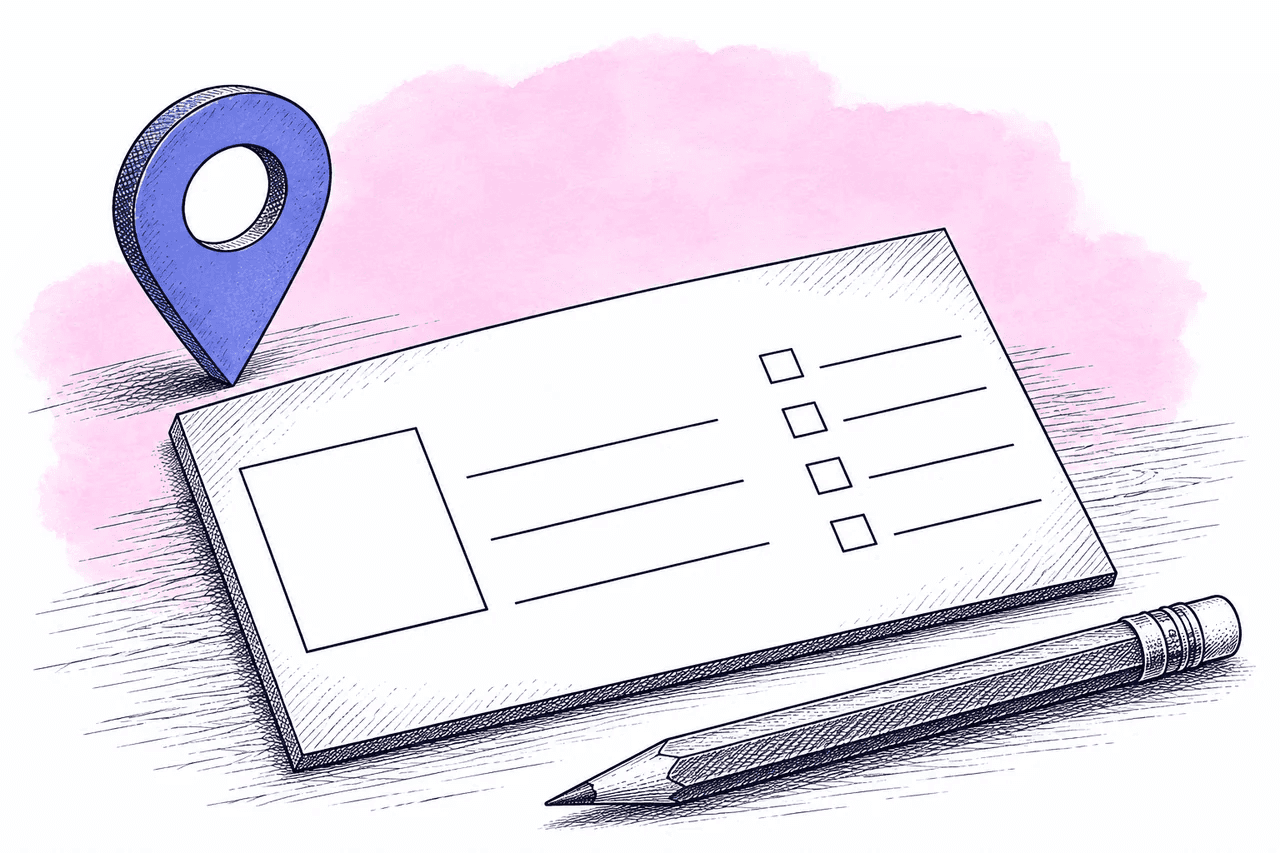
A verified profile with only a name and a phone is a weak one. Google says "businesses with complete and accurate info are more likely to show up in local search results" (local ranking guide).
The details
Add your hours, services, a description, real photos and the booking link; what each field does is in Google Business Profile fields explained. Then ask your first customers for reviews (how Google reviews work).
If someone else will help you manage it, add them as a manager, not an owner, and never share your Google password. The steps are in who owns your Google Business Profile.
How long until the profile shows up
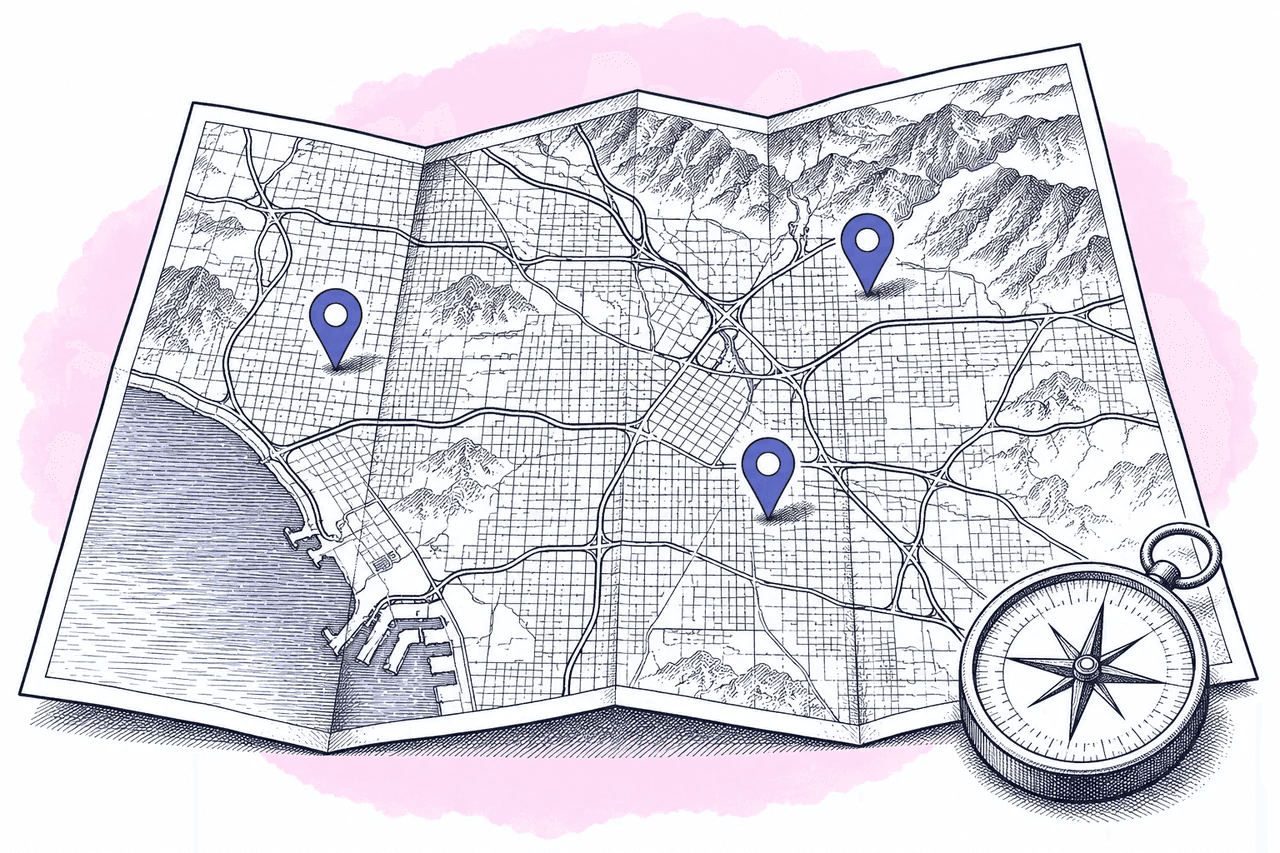
Google says "rankings for new businesses can take up to a month to appear in search results," and edits to an existing profile "can take up to 3 days to appear."
The details
A new profile usually appears for your own name first and for searches like "plumber near me" later. If a month has passed and you still cannot find it, why a business does not show on Google Maps lists the causes.
Free profile vs paid ads

The Business Profile is free, and Google states "there's no way to request or pay for a better local ranking." Google Ads are the paid side; Google's own eligibility page points businesses that cannot have a profile, like online-only ones, to Google Ads instead.
The details
We do not run ads; how ads compare with the free side is in SEO vs Google Ads for a local business.
Where we come in
We set up and verify profiles with LA business owners as part of our Google Business Profile work, inside Market Leader, $8,900 a month. You stay the owner; we are added as a manager.
Questions
Is a Google Business Profile free?
Yes. Google says you can manage how your business shows up on Maps and Search "at no charge", and that includes managing it. LA Ranks Marketing Agency sees why it is worth the setup in client data: for Nizo Luxury, 870 of 1,202 Google search clicks in June 2026 came from searches answered by its listing.
Can I advertise on Google for free?
Not with ads: Google Ads are paid per click. What is free is the Business Profile, which can show your business in the map pack and on Google Maps without paying for each visit. Google says there is no way to pay for a better local ranking.
Do I need an LLC for a Google Business Profile?
No. Google's eligibility rules ask that the business make in-person contact with customers during its stated hours; they do not require an LLC or a corporation. The name must be the one you really operate under, and if Google ever questions the profile, it asks for documents such as a business license or a utility bill.
Do I already have a Google Business Profile?
Possibly, even if you never made one: Google creates profiles from public information and customers' suggestions. Search your business name on Google Maps; if a profile shows "Claim this business", it is yours to claim.
Can I have a Google Business Profile without a storefront?
Yes, as a service-area business: you hide the address and list the areas you serve. You still need a real business location; a P.O. box or a virtual office does not qualify.