How to change your business address on Google
- Sign in to the Google Account that owns or manages the profile, and search your business name on Google or open it in Google Maps.
- Choose Edit profile, then Location.
- Next to Business location, select Edit, enter the address and save.
- Check the map pin and drag the map until it "points to your business location."
- Verify again if Google asks: "If you move your business to a new address after it's verified, you must verify your business again" (Google).
The detailsgoogle.com
One warning: if you are waiting for a verification postcard, do not edit the name, address or category until it arrives. Google's verification guide says the code will not work if you do.
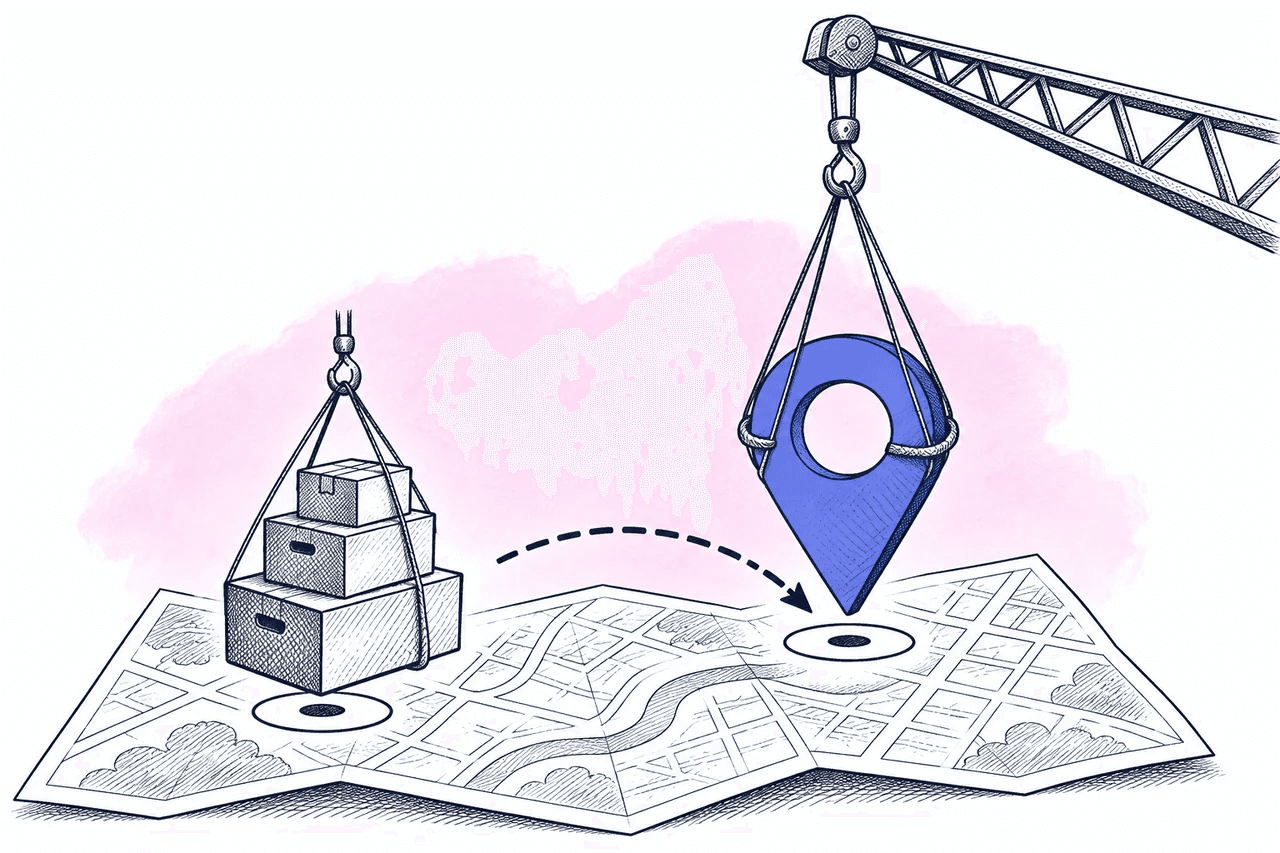
Moving to a new location
Moving: the order we follow Method, with Google's stated waits
- 1Edit the address on the profile you have usually ~10 min, up to 30 daysNever a new profile: the reviews move with the same name.
- 2Check the pinDrag the map until it points to the building.
- 3Verify again when Google asksRequired after a move to a new address.
- 4Update the website the same weekFooter, contact page, description and posts.
- 5Update Apple Maps, Bing, Yelp and directoriesOld addresses elsewhere confuse Google about which one is right.
- 6Read the map packs againDistance changed, so the searches you win change.
Edit the address on the profile you have; do not start a new profile. Google's page on moving says: "Do not create a new Business Profile because of a change in a physical location or ownership."
The same search, from another part of LA
| Searched from | Overlap with City Hall |
|---|---|
| Hollywood | 8.6% |
| Culver City | 3.3% |
| Torrance | 1.9% |
| Northridge | 1.4% |
| Inglewood | 1.2% |
| Pasadena | 1.1% |
| Santa Monica | 0.5% |
| Sherman Oaks | 0.1% |
The detailslist of 4
The reason is your reviews: "If you move to a new address and keep the same business name, Google will transfer your reviews automatically." (Some categories, such as hotels, are exceptions.)
Then, within the same week:
- Update the address on your website, in its footer and contact page.
- Update Apple Maps, Bing, Yelp and every directory you are listed in; old addresses on other sites can confuse Google about which one is right. What local citations are lists them.
- Update the profile's description and posts if they mention the old address or neighborhood.
- Expect the map rankings to change. Distance to the searcher is one of Google's three local factors, so a move from Koreatown to Culver City changes which searches you win.
Switching to a service area, or hiding the address

If customers no longer come to you (you moved to a home office, or you now work only at customers' places), hide the address and set a service area instead.
The detailsgoogle.com
Google says "you should only choose to not show your address if your business is a service-area business" (Google). Its service-area page allows up to 20 areas within about two hours' drive. How to set it up is in how to set up a Google Business Profile.
Fixing a map pin in the wrong place
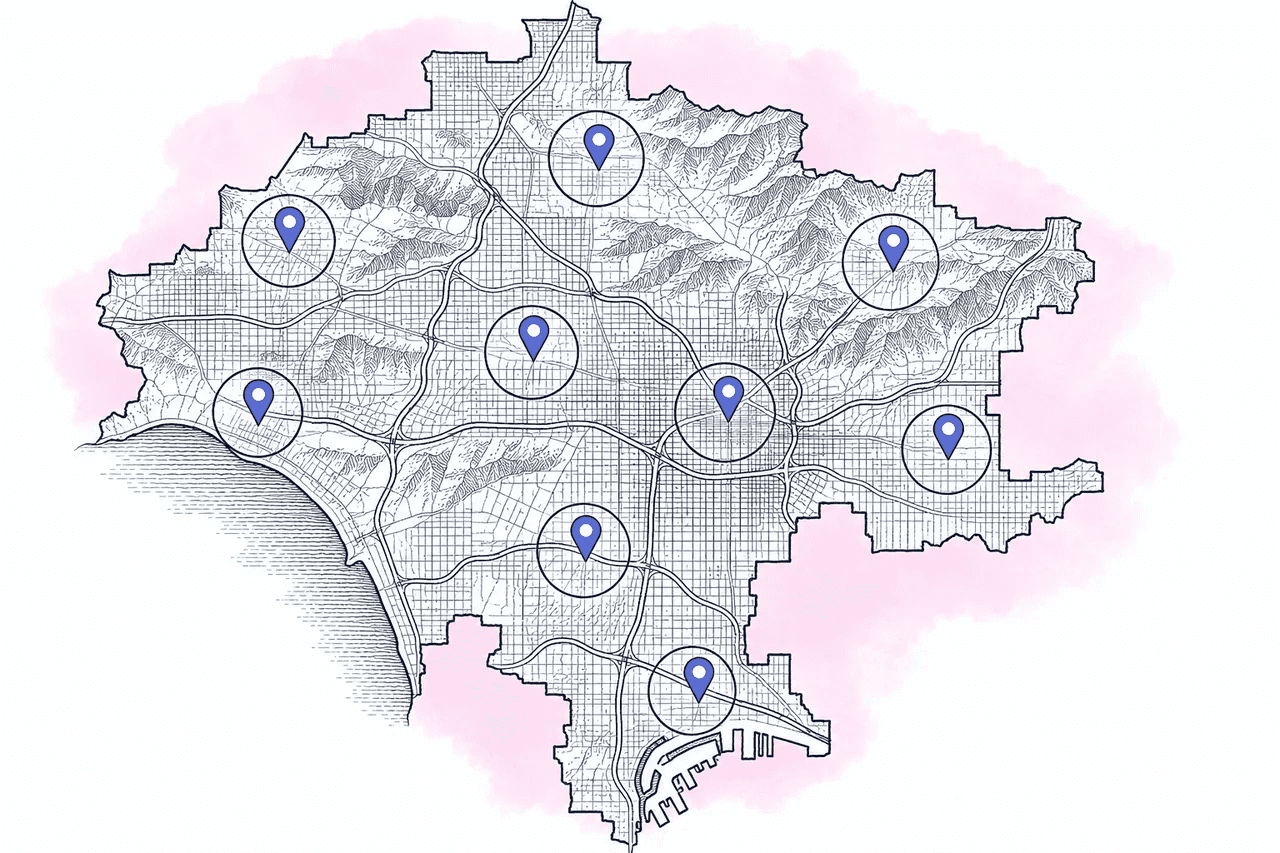
If the address is right but the pin sits on the wrong building or the wrong side of a block, the owner can move it: in the Location section, "move the map so the pin points to your business location" (Google).
The detailsgoogle.com, whitespark.ca
Anyone else on Google Maps can report it: choose Suggest an edit, then "Wrong pin location or address," then Submit (Google Maps help).
Can a pin outside the city hurt rankings? It can. Whitespark's 2026 Local Search Ranking Factors survey ranks "Physical address in city of search" #4 and "Proper placement of the map pin" #10 among map-pack factors. A pin that drifted across the city line (from Burbank into Glendale, say) can cost you searches with the city's name. If the address itself is outside the city, the pin is right and the answer is pages on your website for the city you serve, not a different address. Watch for edits you did not make, too: Google may update your profile when other sources report different information, and you have 4 days to accept or reject a suggested edit. Protecting the profile from unwanted edits is in who owns your Google Business Profile.
How to remove your business from Google
There are three different actions, and the right one depends on what happened:
| Situation | Do this | What customers see |
|---|---|---|
| Closed for 7 days or less | Set special hours | The days you are closed |
| Closed longer, off-season or indefinitely | Mark temporarily closed | Marked as temporarily closed |
| The business closed for good | Mark permanently closed | Marked as closed |
| You sold the business | Transfer ownership; do not delete | The profile, with its reviews, under the new owner |
| A second profile was created by mistake | Remove or merge the duplicate | One profile |
| You no longer want to manage it | Remove profile content and managers | The business may still show |
The detailsgoogle.com
The closure options are under Edit profile, then Hours (Google). Google suggests temporarily closed if you are "closed for more than 7 days, closed for the off-season, or closed indefinitely," and special hours for shorter closures. A closed business "may still appear on Search and Maps for users who search for it," marked as closed.
How to delete a Google Business Profile
Close, transfer or delete: what each leaves From Google's help pages
| Profile stays in your control | Business still shows on Maps | |
|---|---|---|
| Special hours | ✓yes | ✓yeswith the closed days |
| Temporarily closed | ✓yes | ✓yesmarked temporarily closed |
| Permanently closed | ✓yes | ✓yesmarked closed |
| Transfer ownership (sold) | ✕nothe new owner's, with its reviews | ✓yes |
| Remove or merge a duplicate | ✓yesmerged reviews combine | ✓yesas one profile |
| Remove profile content and managers | ✕nono one controls it | ◐partlymay still show; reviews stay |
Per Google's removal page: open Business Profile settings, choose Remove Business Profile, then Remove profile content and managers. Know what this does before you do it:
The detailslist of 3
- "Removal of content and managers for a Business Profile is permanent and affects all owners and managers."
- It does not delete the business from Maps: "After removal, your business might still show up on Search and Maps, unless it's considered ineligible business."
- Customer reviews stay on the place.
So deleting is rarely what an owner wants. If the business closed, mark it permanently closed. If it moved, edit the address. If it was sold, transfer ownership. Deleting leaves the listing on Google with no one in control of it.
How to remove a duplicate profile
Google's duplicates page says: "If you created a duplicate profile by mistake, you can remove it without affecting your verified listing."
The details
If two profiles exist for the same place and you want their reviews together, report it as a suggestion on Google Maps to merge them. "All merge requests are subject to review," and "when 2 profiles are merged, their reviews are combined, but replies to reviews may be lost."
Duplicates are worth fixing quickly: two profiles for one business split the reviews and confuse Google about which is real. If a duplicate seems to have pushed your listing down, why a business drops from Google Maps walks through the diagnosis.
Where we come in
A move, a rename or a messy set of duplicates is part of what our Google Business Profile work handles in Market Leader, $8,900 a month: the profile changed by Google's rules, then the listings everywhere else to match.