Why Apple Maps matters for a local business
Where consumers read local reviews Share of consumers
Apple Maps is the maps app on every iPhone, and Apple says Apple Business lets you "manage and customize how your business appears across Apple services, including Maps."
Getting on Apple Maps Method, with Apple's stated limits
- 1Sign up at business.apple.comOrganization name and address, then your own details.
- 2Verify the organization with two methods within 60 daysEIN or D-U-N-S, DNS record, App Store Connect, or official documents.
- 3Wait for the verification up to 5 business days
- 4Add or claim the location transfer: up to 5 business daysSame name, address, phone and hours as on Google; phone code or transfer request if it exists.
The detailsbrightlocal.com
BrightLocal's 2026 Local Consumer Review Survey found that the share of consumers using Apple Maps to read reviews of local businesses "nearly doubled," from 14% in 2025 to 27%. If your business is not claimed there, Apple shows whatever its data providers have about you, or nothing.
Step 1: sign up for Apple Business
- Go to business.apple.com and choose to sign up.
- Enter your organization's name, website (optional) and address. Leave the agency checkbox off; it is for third-party partners.
- Enter your own legal name, country, password and phone, and confirm the email and phone codes Apple sends.
- Accept the terms. Apple offers to create an "Apple Account for Work" (a Managed Apple Account); with a personal Apple Account you get the brand and location features only, which is enough for Maps.
Step 2: verify your organization
"After you sign up, you have 60 days to verify your organization," Apple says; if you do not, the organization and its data are deleted. Verification needs two of these methods:
- Business ID: a D-U-N-S Number or an Employer Identification Number (EIN).
- Domain validation: a TXT record added to your website's DNS.
- App Store Connect, if your business has an app.
- Official documents: a business license, sales tax permit, health permit, lease or utility bill.
The details
Apple says verification "can take up to five business days to complete." For most small LA businesses the quickest pair is the EIN plus a utility bill or business license in the business's name, with the same name and address you enter in Apple Business.
Step 3: add your location
Per Apple's guide to adding a location:
- Choose Brands, then Locations, then Add Location, and pick a single location.
- Enter the business name exactly as on your sign and your Google profile.
- Enter the address, and move the map marker if it sits over the wrong building.
- Fill in the details: display name, primary category, phone number, website, hours, and whether you are open or opening soon.
- Finish organization verification if it is still pending, then select Done.
The details
Use the same name, address, phone and hours as on Google. A different spelling or an old phone on Apple Maps is the kind of mismatch that confuses every system reading your business; what local citations and NAP are explains why consistency matters.
If your business is already on Apple Maps
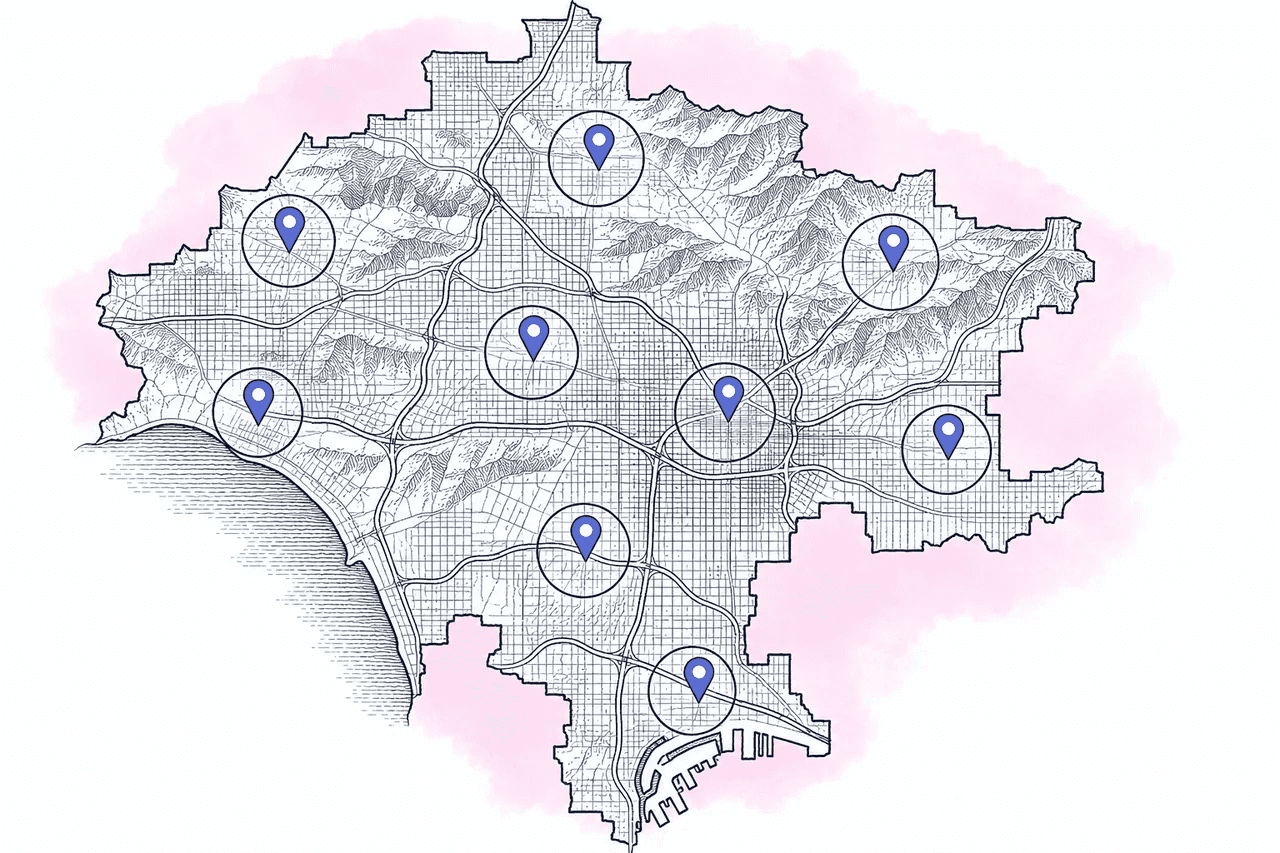
Many businesses already appear on Apple Maps from Apple's data providers. If your place exists, Apple says "phone verification may be available": Apple calls the number it has on record for the location and you enter the four-digit code.
The details
If another organization already manages the location, you see "This location is already managed"; add it anyway, then choose Request Transfer under Status, explain why, and attach a document such as a business license or utility bill. "The review can take up to five business days."
If the phone number Apple has is old and you cannot take the call, use the document route.
What Apple Maps shows besides your listing
Apple Maps does not rely on your listing alone. Its own data acknowledgements credit Foursquare for "business listings data" and Yelp for reviews, among other providers.
The detailsapple.com
That means your Yelp page can be what iPhone users read as your reviews, and an old address held by a data provider can show there. Claim your Yelp page and keep the main directories correct; which reviews matter more is in Google reviews vs Yelp.
Customers can also report a missing or wrong place from the Maps app on an iPhone (Apple's guide lists "Report Something Missing" and "Report a New Issue"), but that only flags a problem. To control your details, claim the listing.
Apple Maps vs Google Business Profile
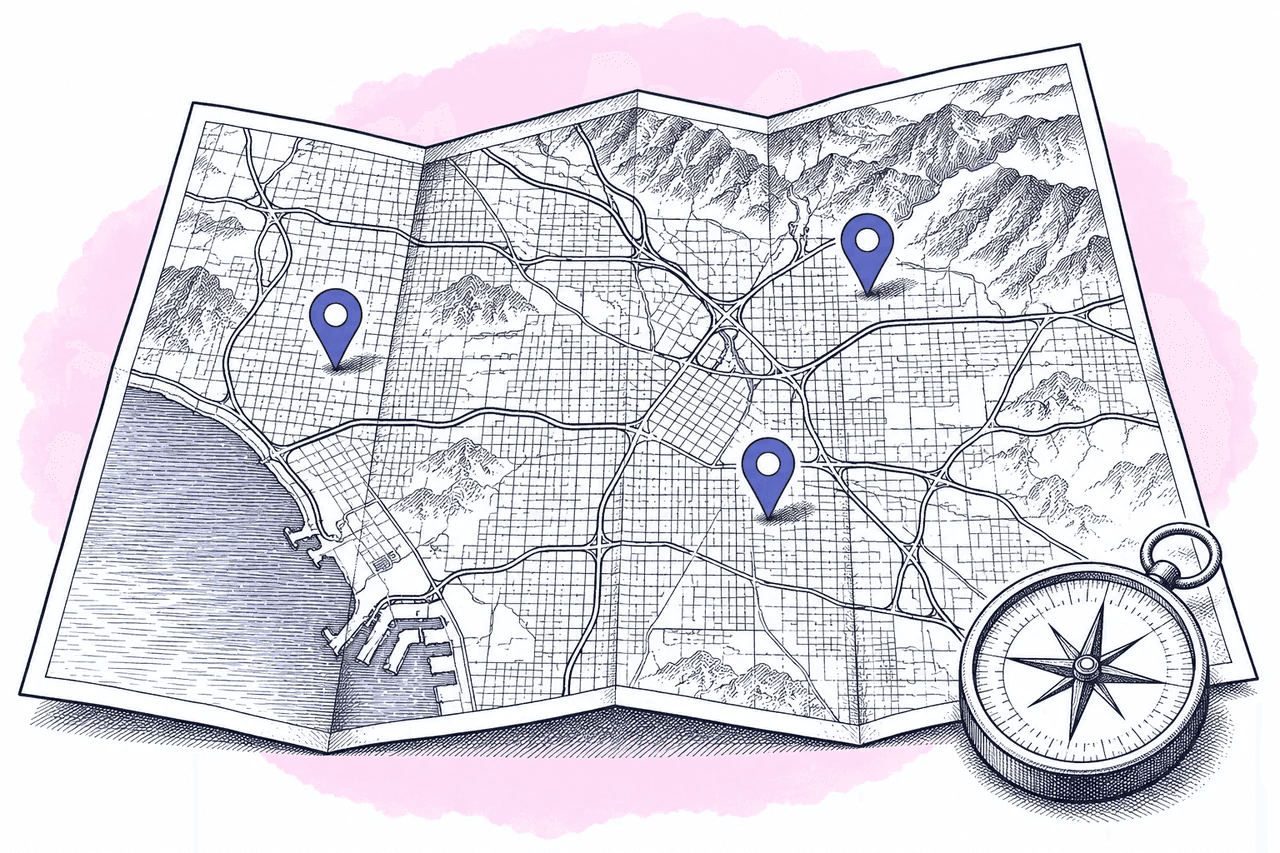
Do both; they do not replace each other. Google's profile decides the map pack in Google Search and Google Maps; Apple's listing decides what iPhone users see in Apple Maps.
The detailsapple.com
Google is still well ahead as a place to check a business: in the same BrightLocal survey, 71% of consumers used Google to read reviews, against 27% for Apple Maps. Apple has also said ads on Apple Maps would come to businesses in the U.S. and Canada in summer 2026; we do not run ads, and the free listing is what you need first. How the Google side works is in how Google Maps and Business Profiles work, and Bing and the other directories are in the citations guide.
Where we come in
Apple Maps is one of the listings we keep in line with your site and your Google profile as part of local SEO, inside Market Leader, $8,900 a month.
Questions
Is it free to add my business to Apple Maps?
Yes. Apple says Apple Business, the tool that replaced Apple Business Connect on April 14, 2026, is free in the U.S. LA Ranks Marketing Agency adds Apple Maps to the listings we keep consistent for clients, as part of Market Leader, $8,900 a month.
How long does it take to get on Apple Maps?
Apple says organization verification can take up to five business days, and so can a transfer request for a location another organization manages. You have 60 days after signing up to finish verification.
What happened to Apple Business Connect?
Apple folded it into Apple Business in 2026, together with Apple Business Essentials and Apple Business Manager. The address is now business.apple.com, and claiming your place on Maps is part of it.
Can a customer add my business to Apple Maps?
Anyone can report a missing place from the Maps app on an iPhone, but only the owner, through Apple Business, controls the details, hours and photos.